 Assigning Master Key Access
To assign master key access:
|
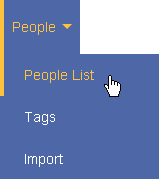
|
||||||
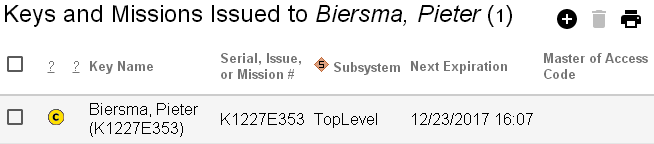
|
|||||||
|
|||||||
|

|
||||||
|
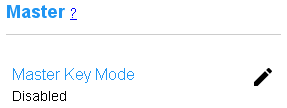
|
||||||
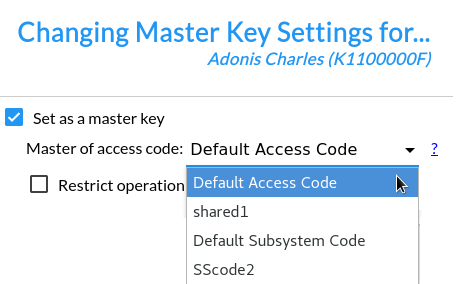
|
|||||||
|
|||||||
|

|
||||||
Assigning Master Key Access
To assign master key access:
|
|
||||||
|
|
|||||||
|
|||||||
|
|
||||||
|
|
||||||
|
|
|||||||
|
|||||||
|
|
||||||